From your PDF
Confirm the model and serial range. Open the cited testing section before choosing a procedure.
CAT 259D Service Manual.pdf · Sample page 12
Give your technicians a way to search your heavy equipment service manuals and open the cited page from their phone. Built for independent repair shops and rental fleets, with original sources your lead tech can review.

Where do I find the hydraulic testing procedure for this machine?
● Rigovely Answer
The hydraulic testing index is on page 2. Open the source to check the document scope before choosing a procedure.
Scripted source-navigation example. Original sample PDF; no live AI search or OEM repair data.
Product concept preview. Screens illustrate the intended workflow; planned features, example specs, and part references are not validated repair information.
Different makes arrive in the bays. Mobile techs head out to site. Finding the right document should not become another repair job:

A mobile tech needs the correct test procedure. The service PDF is buried in folders, a parts book, or a clunky OEM portal.

Intermittent faults need the source procedure and the checks already completed. A confident guess is not evidence.

A useful question includes the unit, the source page, and checks already done. Help the next conversation start with evidence.
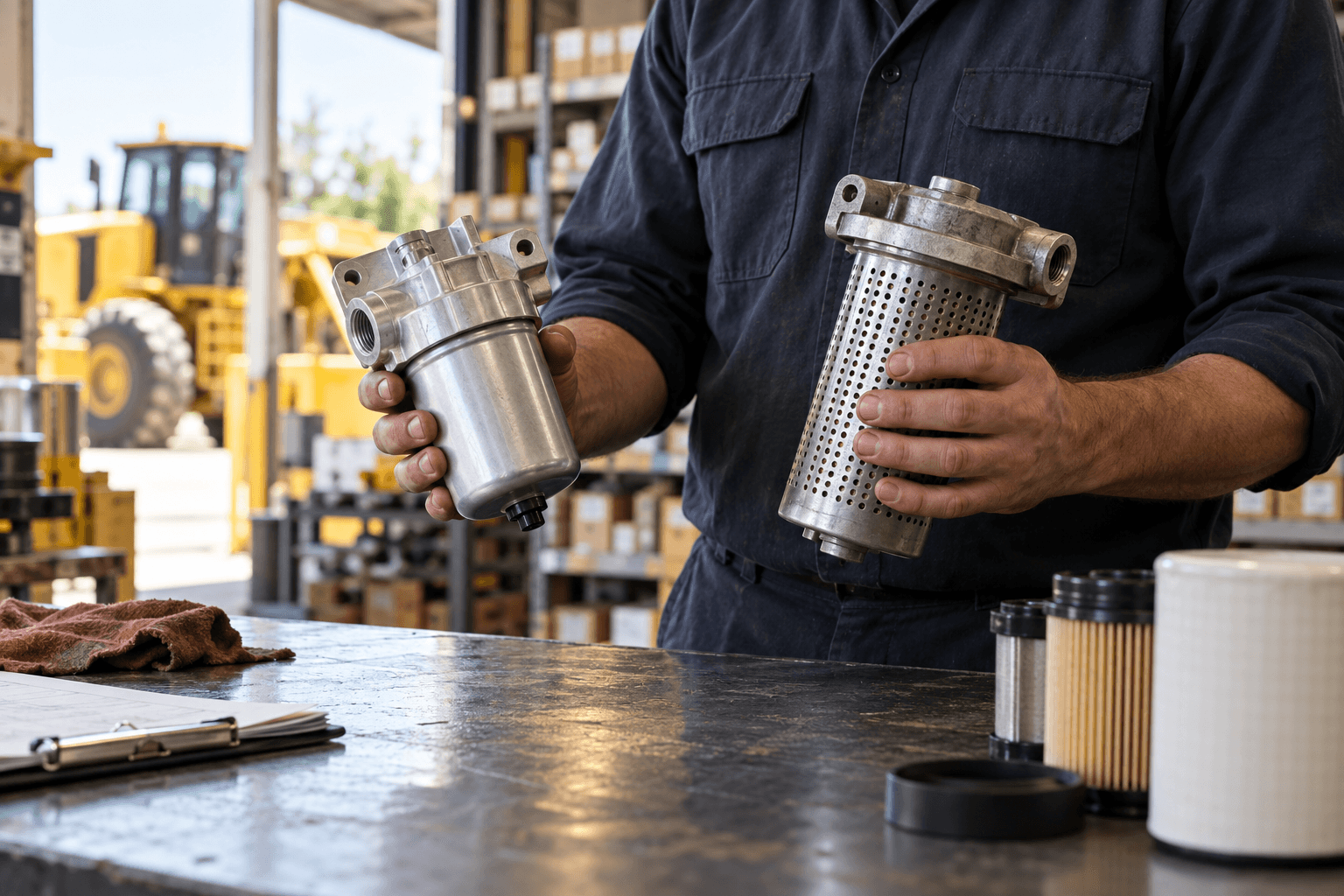
An unclear parts-book reference can leave a bay waiting on freight. Check the assembly and serial range before placing the order.
Start with a manageable library and a lead tech who knows the equipment. Uploading PDFs is the first step; document quality and source checks still matter.

Choose the service manuals your crew actually needs. Start with a few units; confirm document permissions before uploading.

Record the model, serial range, and revision where available. A similar filename alone does not establish the right manual.

Review search results with your lead tech. Check scan readability, tables, and source pages before expanding the library.

Prepare the library before a site visit. Test saved-page search without signal; new AI answers still need internet.
Evaluate the initial workflow first: add your PDFs, find a page, and inspect the source. The later forum, parts, combined-answer, and handover previews illustrate the roadmap; they are not a package of available features.
Add your service PDFs in one batch. Watch them move into a searchable manual library.
Use documents your shop has permission to upload. The animation uses sample PDFs, not a live upload.
Service manuals · Wiring diagrams · Parts books
Service manuals, wiring diagrams, and parts books in one batch.
Animated example with sample PDFs. No documents are uploaded or processed here.
The tech searches a component or procedure from the machine. This is a sample interface, not a live diagnosis.
Start with the service documents your shop has permission to use.
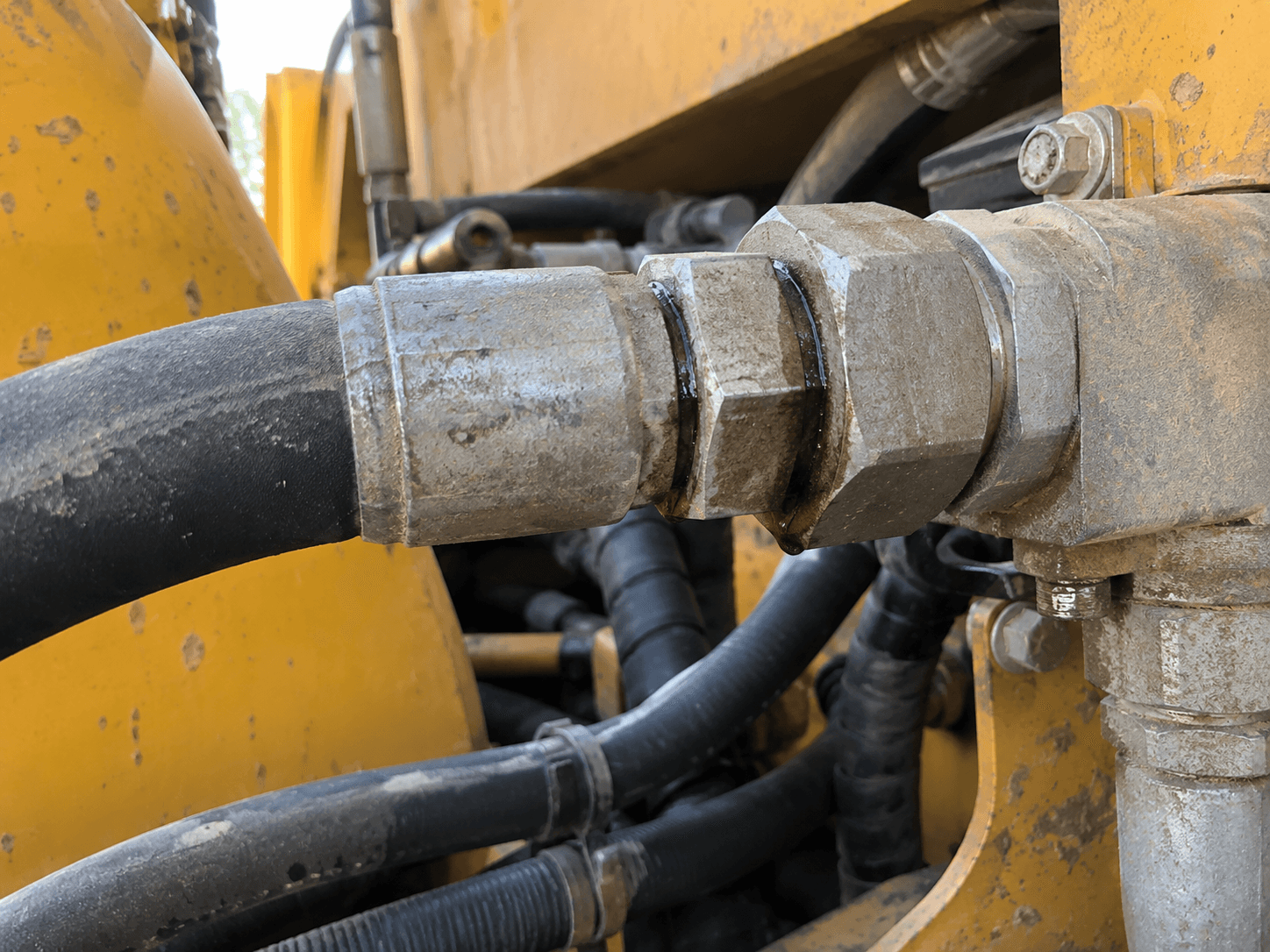
Sample guide: document and serial-range checks before service.
Open the cited page and check the model, serial range, and procedure in the original document.
The preview uses original sample content, not an OEM manual or service instruction.
These concepts follow the initial manual-search release. Their examples are illustrative and do not provide live forum results, verified part fitment, or crew notifications.
A future workflow would surface relevant mechanic discussions when the factory documentation stops short.
Forum discussions must remain distinct from manufacturer instructions.
“A future result would show a discussion link and the reported symptoms. This sample supplies no repair conclusion or part number.”
A future workflow would compare an OEM reference with possible aftermarket options for the same machine scope.
Verify the serial range and supplier fitment before ordering.
Concept preview of recording a component reference. Part matching, pricing, and stock checks are planned and are not live in this interface.
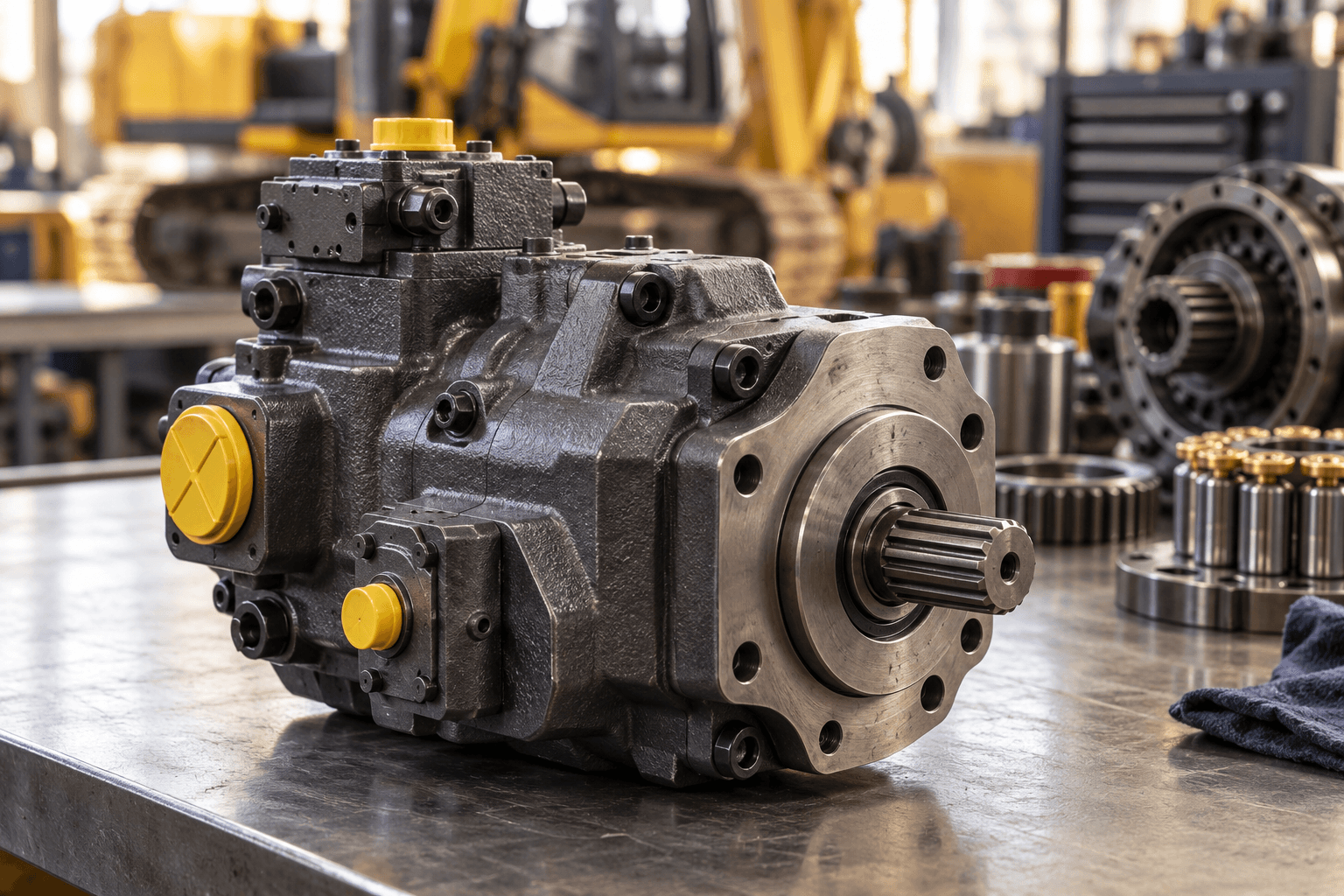
See the manual evidence, mechanic discussion leads, and part-reference checks together in one clear answer.
Concept preview of the combined workflow. Forum and part cross-reference sources remain planned.
The loader’s hydraulics feel weak when warm. What should I check, and which part reference do I need?
Confirm the model and serial range. Open the cited testing section before choosing a procedure.
CAT 259D Service Manual.pdf · Sample page 12
Compare similar symptoms with your actual readings. A forum report is a lead, not a confirmed fault.
Planned forum links · Illustrative example
If checks identify a faulty component, match its original reference and serial range. Confirm fitment with the supplier.
Planned parts lookup · No verified replacement
Keep source pages, measurements, and open questions with the job for the next technician.
Handover · Planned
Illustrative AI response. Forum, parts, and handover are planned. This is not a live diagnosis or repair instruction.
A future job log would carry notes and completed checks from the mobile tech to the mechanic in the shop.
The sample handover is a concept preview and does not notify a real crew.

Start a conversation about your manual library and early access. We’ll explain what’s available and what’s planned.





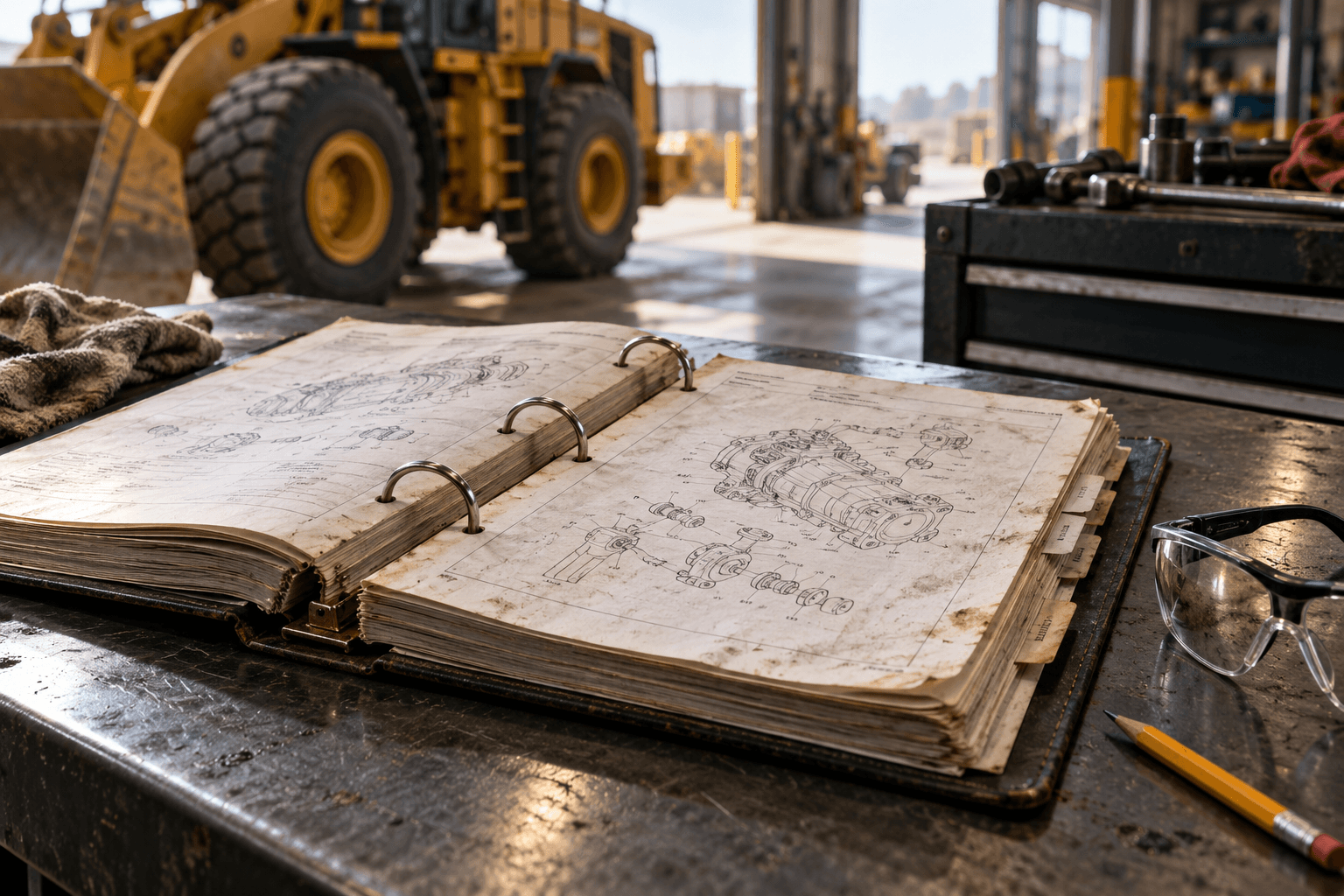
Bring the service PDFs your shop has permission to use. Match the model and serial range, then open the original page to check the context.

A useful result gives the technician a page to read, a machine scope to check, and a clear view of what the source does and does not support.
Manual search comes first. Forum fixes, part matching, and handovers are planned. Rigovely does not replace your CMMS or diagnostic laptop.

Initial scope: manual search with source-page references
Search separate folders, books, and OEM portals
Planned: source-linked mechanic discussions
Research additional sources and check the machine context
Planned: OEM-to-aftermarket reference checks
Confirm part and serial range with your supplier
Planned: field-to-shop notes and photos
Greasy whiteboard notes or word-of-mouth
Technicians can check the original source context
Ask the lead technician to locate the source
Use service documents your shop has permission to upload. Coverage depends on the library.
Manual search complements the work-order and diagnostic tools your crew already uses.
Give technicians a source page to check before asking a colleague.
Your documents. A source you can check. Clear limits on what the product does today.
Upload service PDFs, wiring diagrams, and parts books your shop has permission to use. Rigovely does not supply an OEM manual library.
Read the cited source and confirm the model, serial range, and safety instructions. A sample answer is not a verified repair procedure.
Prepare your manuals and searchable page text while connected. Offline, find matching pages by words or phrases; new AI answers and live lookups need a connection.
Keep your work orders, invoicing, and diagnostic tools. Rigovely focuses on technical information; it does not connect to an ECM or promise a CMMS integration.
Manual search comes first. Forum field fixes, part cross-reference, and field-to-shop handovers are planned after the initial release.
Your saved library stays searchable, like finding a product in a shopping app. Type what you need and jump to the matching manual page.
Save the manuals and their searchable page text while connected. Check that the machine’s library is ready on your device.
Search for a component, symptom, or phrase. “Hydra” can find “hydraulic”; a small spelling mistake can still find the right words. Numbers and codes are not guessed into different ones.
Results show the manual name, page number, and a matching passage. Open the source page instead of scrolling through the whole PDF.
New AI answers need a connection.
Offline mode finds pages from the library prepared on your device. New AI replies, fresh forum searches, live part checks, and new uploads need internet access.
Try “hydra” or “hydralic”. You do not need the exact wording.
1 saved sample page found.
CAT 259D Service Manual.pdf · p. 12
Locate the hydraulic testing section and check the applicable machine scope.
Illustrative pages, not OEM excerpts. This demo searches sample text already loaded on this page; it does not download manuals or install offline access.

For the next site visit
Tell us where signal drops and which documents your crew needs on hand. Let’s discuss your offline workflow.
Tell Us About Your Field WorkFrom the documents you already have to the page your technician needs, right at the machine.
Start with the service manuals, diagrams, and parts books your shop already uses.
Read the original context and confirm the machine model and serial range.
Find matching pages in the library prepared on your phone before heading to site.
Planned handovers bring source pages, measurements, and next actions to the next tech.
Have a shop-specific question? Reach out to us at fikri@ysfik.com
Tell us about your equipment and documents. We will discuss your manual library, supported features, and early-access availability.
Rigovely is a heavy equipment manual search assistant for independent repair shops and rental fleets, with mechanics and lead technicians as day-to-day users. It is being built to help mechanics find relevant pages in their own service manuals and check the original source at the machine. Access is currently by request.
Leave your email and shop or fleet name. We’ll discuss your equipment, existing PDFs, and early-access availability. Mechanic or lead tech? You can start the conversation too.
01 · YOUR WORKFLOW
Tell us which units your team supports and how you find information today.
02 · YOUR DOCUMENTS
Discuss document quality, permissions, and data handling before any upload.
03 · NEXT STEPS
Clarify available features, setup, and access before agreeing to an evaluation.
This is a request for a conversation. It does not create an account or start an automatic trial. Please do not attach shop documents.